NetIQ MobileAccess3.0.4
Continue to app
Free Version
Publisher Description
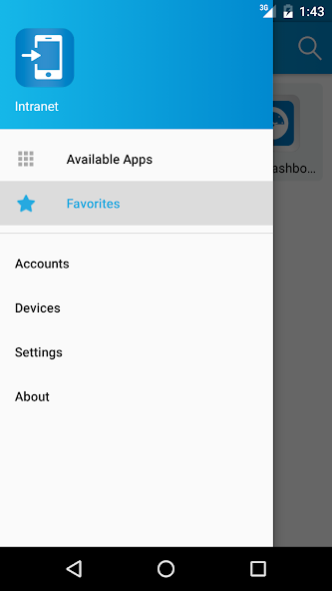
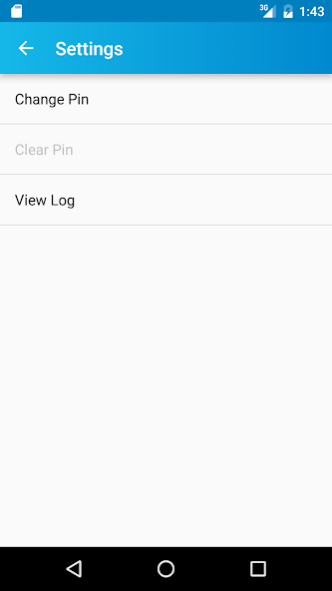
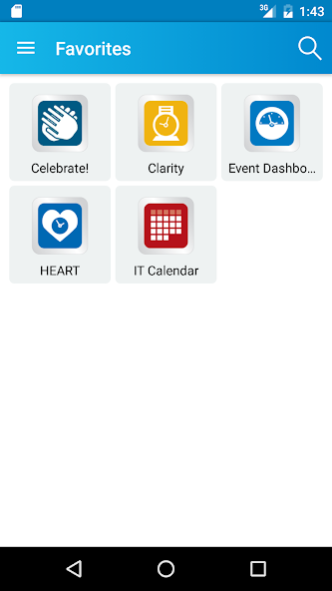
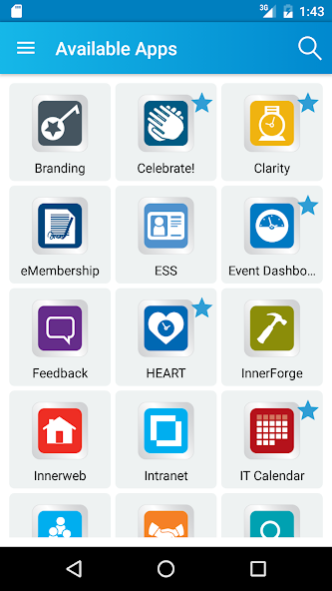
NetIQ MobileAccess is an integrated Mobile Application Management solution to secure mobile access to assigned Corporate resources and Software as a Service (SaaS) applications and services. Once you register the device to your organization's NetIQ MobileAccess server through the MobileAccess app and the administrator has granted permission to the appropriate resources, you will have secure access on your mobile device.
About NetIQ MobileAccess
NetIQ MobileAccess is a free app for Android published in the Office Suites & Tools list of apps, part of Business.
The company that develops NetIQ MobileAccess is NetIQ, Inc.. The latest version released by its developer is 3.0.4.
To install NetIQ MobileAccess on your Android device, just click the green Continue To App button above to start the installation process. The app is listed on our website since 2019-01-28 and was downloaded 5 times. We have already checked if the download link is safe, however for your own protection we recommend that you scan the downloaded app with your antivirus. Your antivirus may detect the NetIQ MobileAccess as malware as malware if the download link to com.netiq.mobileaccessforandroid is broken.
The company that develops NetIQ MobileAccess is NetIQ, Inc.. The latest version released by its developer is 3.0.4.
To install NetIQ MobileAccess on your Android device, just click the green Continue To App button above to start the installation process. The app is listed on our website since 2019-01-28 and was downloaded 5 times. We have already checked if the download link is safe, however for your own protection we recommend that you scan the downloaded app with your antivirus. Your antivirus may detect the NetIQ MobileAccess as malware as malware if the download link to com.netiq.mobileaccessforandroid is broken.
How to install NetIQ MobileAccess on your Android device:
- Click on the Continue To App button on our website. This will redirect you to Google Play.
- Once the NetIQ MobileAccess is shown in the Google Play listing of your Android device, you can start its download and installation. Tap on the Install button located below the search bar and to the right of the app icon.
- A pop-up window with the permissions required by NetIQ MobileAccess will be shown. Click on Accept to continue the process.
- NetIQ MobileAccess will be downloaded onto your device, displaying a progress. Once the download completes, the installation will start and you'll get a notification after the installation is finished.
Program Details
System requirements
Operating systems
Android
Download information
File size
N/A
Total downloads
5
Pricing
License model
Free
Price
Version History
Here you can find the changelog of NetIQ MobileAccess since it was posted on our website on 2016-10-18. The latest version is 3.0.4 and it was updated on Soft112 on 10 October, 2026. See below the changes in each version:
version 3.0.4
posted on 2019-01-28
Self-Signed certificates no longer supported. Administrators must use a valid certificate.
Failed to create a new account in certain situations (with SAML AppMarks were configured with no BSSO AppMarks)
version 3.0.1
posted on 2016-10-11
Enhanced error messages,UI enhancements,Fix for App crash,Added Progress bar on registration
